User Management & Authentication
WildTrack360 uses Clerk as its authentication and identity provider, giving your organisation secure, modern user management without the complexity of building it from scratch.
Overview
All user identity data (names, email addresses, profile photos) is managed through Clerk. WildTrack360 syncs this identity information and layers its own role-based access control (RBAC) and carer profile system on top.
How Authentication Works
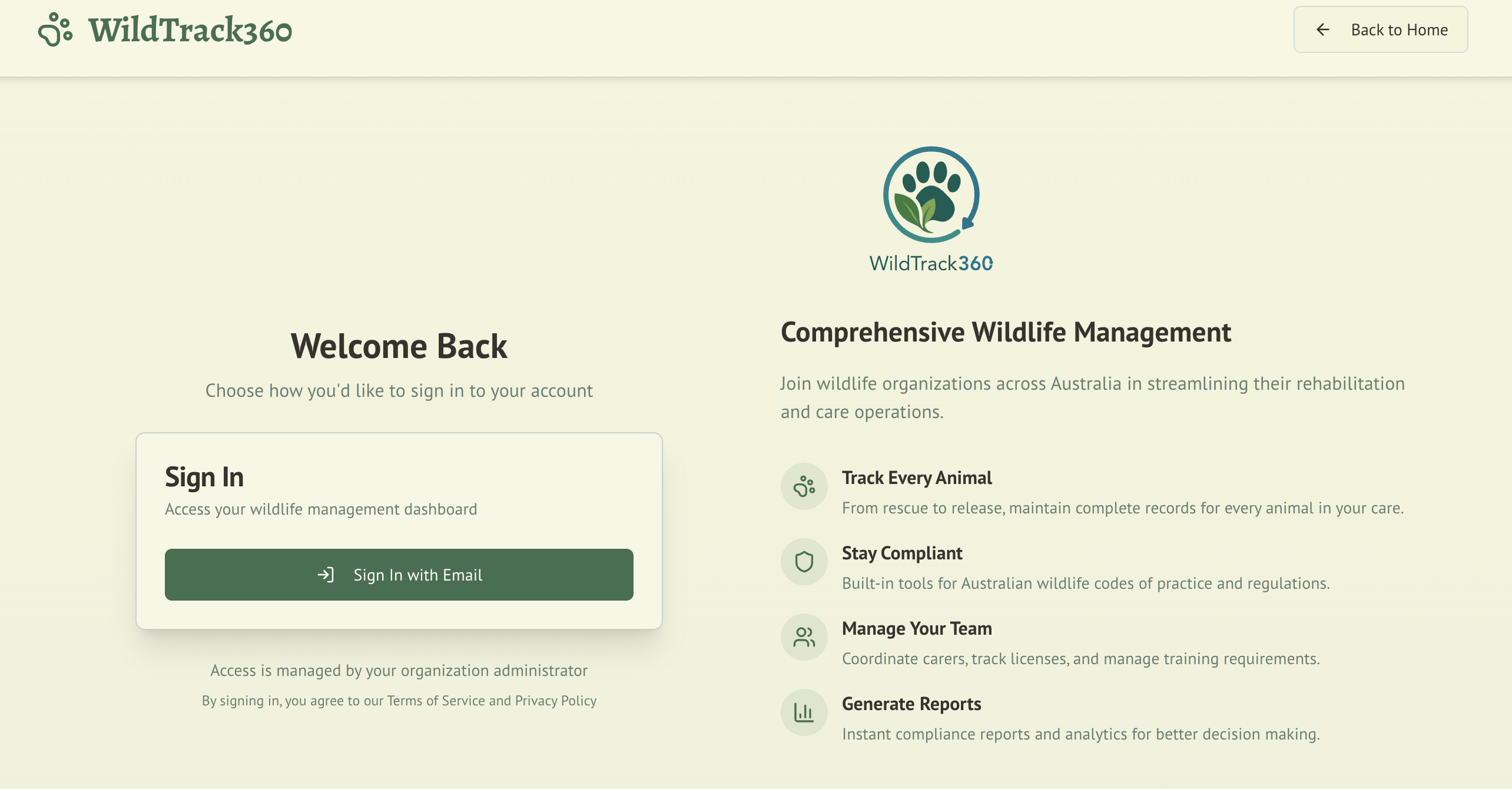
Sign-In Flow
- Users visit the WildTrack360 application
- Clerk handles the sign-in process (email/password, social login, or SSO depending on your configuration)
- On successful authentication, WildTrack360 checks whether the user has a role assigned
- First-time users are directed to a setup page to request their initial role
- Returning users are routed to the appropriate dashboard for their role
Organisation Membership
WildTrack360 is multi-tenant via Clerk organisations. Each wildlife rehabilitation group operates as a separate Clerk organisation, ensuring complete data isolation between groups.
- Users belong to one organisation at a time
- Organisation admins can invite new members through Clerk
- Removing a user from the Clerk organisation revokes their WildTrack360 access
User Roles
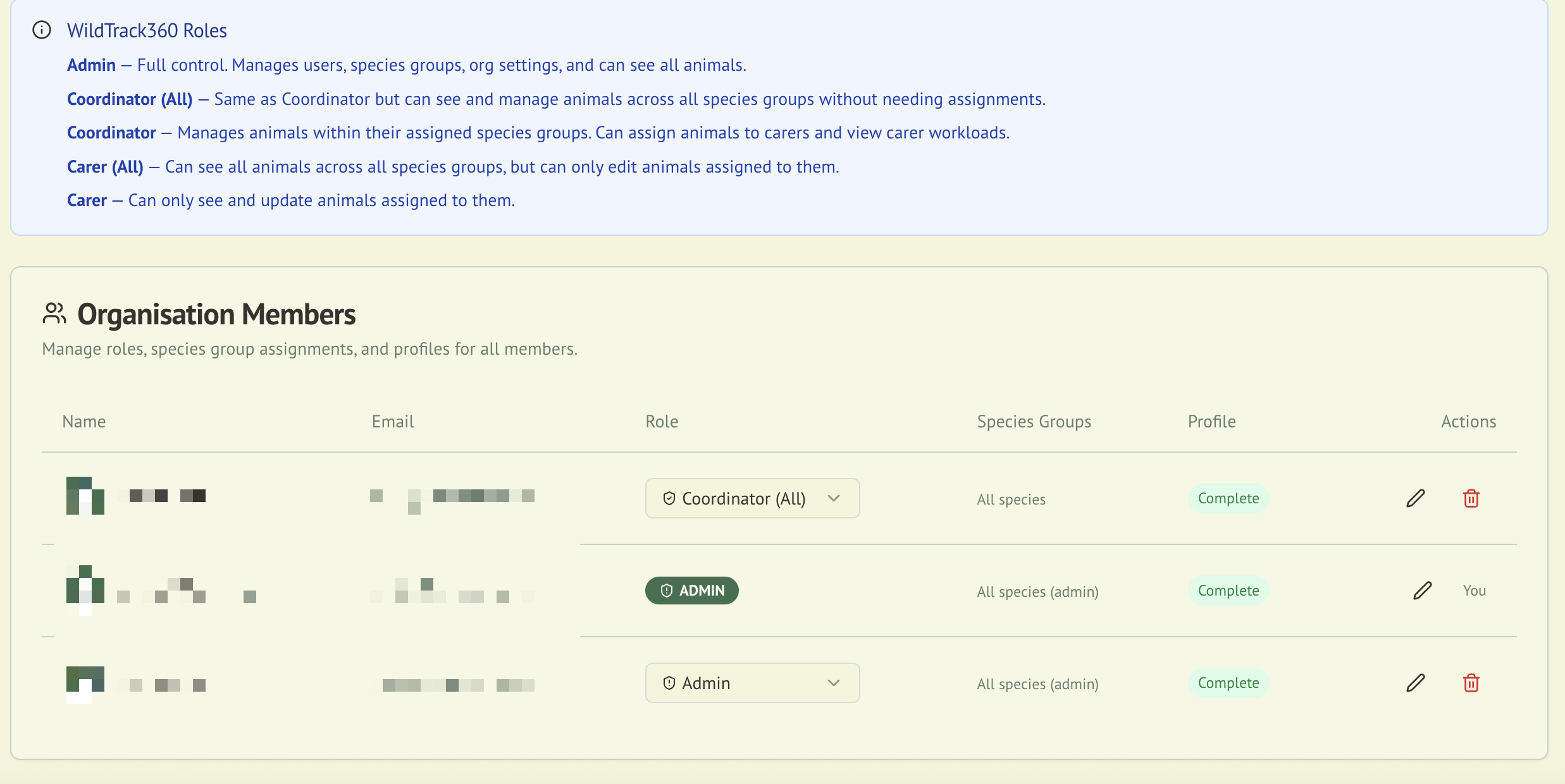
WildTrack360 defines three roles within each organisation. See the Roles & Permissions guide for full details.
| Role | Purpose |
|---|---|
| Admin | Full system access, user management, compliance oversight |
| Coordinator | Manages carers and animals within assigned species groups |
| Carer | Day-to-day animal care within assigned species groups |
First-Time Role Setup
When a new user signs in for the first time, they are presented with a role provisioning page where they can select their intended role. Admins can later adjust roles from the admin panel.
Carer Profiles
Carer profiles are automatically created from Clerk identity data. Key points:
- Name and email are read-only and sourced from Clerk (not manually editable in WildTrack360)
- Profile fields such as phone number, licence number, training records, and species group assignments are managed within WildTrack360
- A profile completion indicator alerts users when their profile is missing required information
Member ID
Each carer profile includes an optional Member ID field — a free-text identifier that your organisation assigns internally. This is useful for mapping WildTrack360 records back to your existing membership systems or for regulatory reports that require a member number.
- Editable from the carer profile edit page or the admin People Management inline editor
- Per-organisation: the same person can have different Member IDs in different organisations
- Label: "Member ID" with helper text: "Your organisation's internal identifier for this person. Used on regulatory reports."
Profile Completion
Users see a dashboard alert if their profile is incomplete. A complete profile requires:
- Phone number
- Email address (from Clerk)
- Licence number
- Member ID
- Training records
Admins can view profile completion status across all members from the compliance readiness checklist.
Managing Members
Adding New Members
- Invite the user through your Clerk organisation dashboard
- The user signs in and completes the role setup flow
- An admin assigns the appropriate role and species group access
Removing Members
Remove the user from your Clerk organisation. Their WildTrack360 data is retained for compliance record-keeping, but they can no longer sign in.
Security
- All API endpoints enforce organisation-scoped authorisation
- Sessions are managed by Clerk with automatic token refresh
- Role checks happen both client-side (for UI) and server-side (for API protection)
- The keepalive endpoint ensures database connectivity is monitored
Integration with Other Modules
| Module | Integration |
|---|---|
| Wildlife Admission | Carer assignment to animals uses the Clerk user directory |
| Compliance | Profile completion feeds into compliance readiness scoring |
| Audit Logging | All authentication events and role changes are logged |
| Incident Reporting | Incident records reference the reporting user |